Group trips
 Adónde
Plan it together. Travel it together.
Invite your crew onto one trip, chat inside it, and split the costs so everyone can see who owes whom. Changes to shared plans wait for everyone's yes.
Invite your crew onto one trip, chat inside it, and split the costs so everyone can see who owes whom. Changes to shared plans wait for everyone's yes.
Invite anyone you are connected to on Adónde. They get the invite, accept or decline it, and once they are in they see the plan and can add and remove things. The owner can take someone off, and anyone can leave.
Inviting is free.
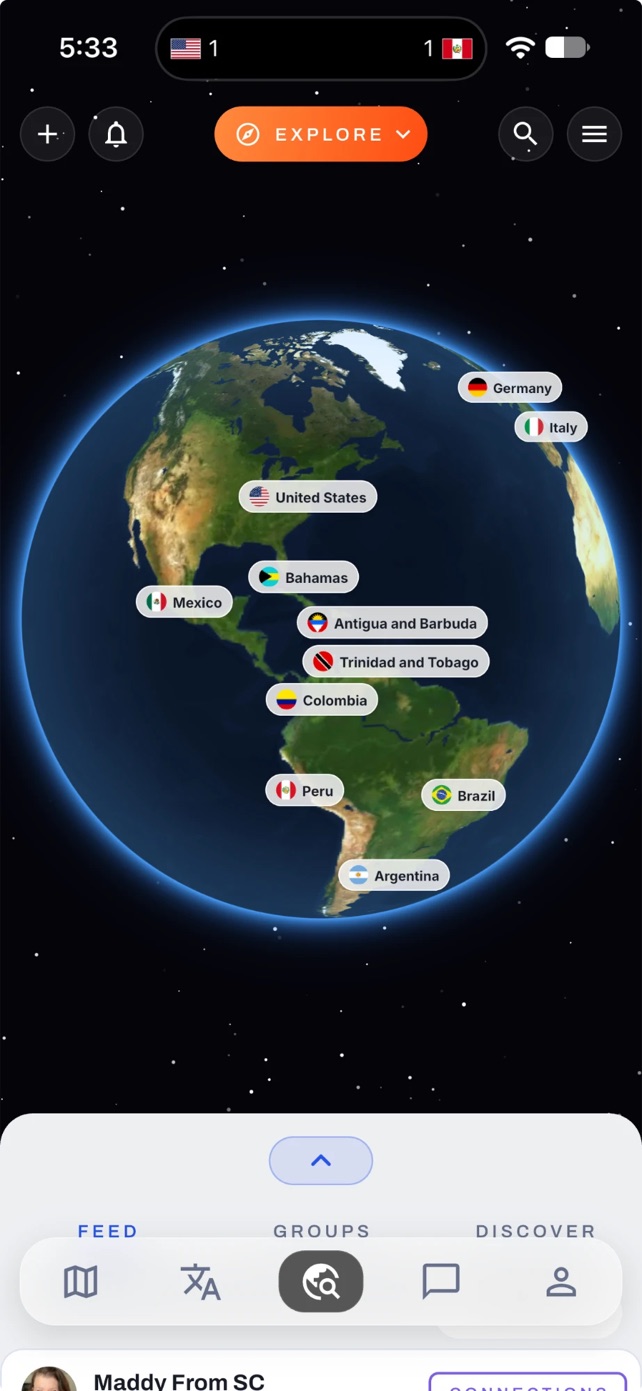
Every shared trip has its own chat with everyone on the trip in it. Trip chats sit in the Messages tab next to your event chats, so nobody has to start a group text from scratch.
Edit your own block and it just happens. Change something that belongs to the group and it becomes a proposal, with Accept and Decline in the trip chat and a pending badge on the plan. Everyone on the trip has to accept before it lands.
You can also plan something for another person. It waits for their yes before it joins their day.
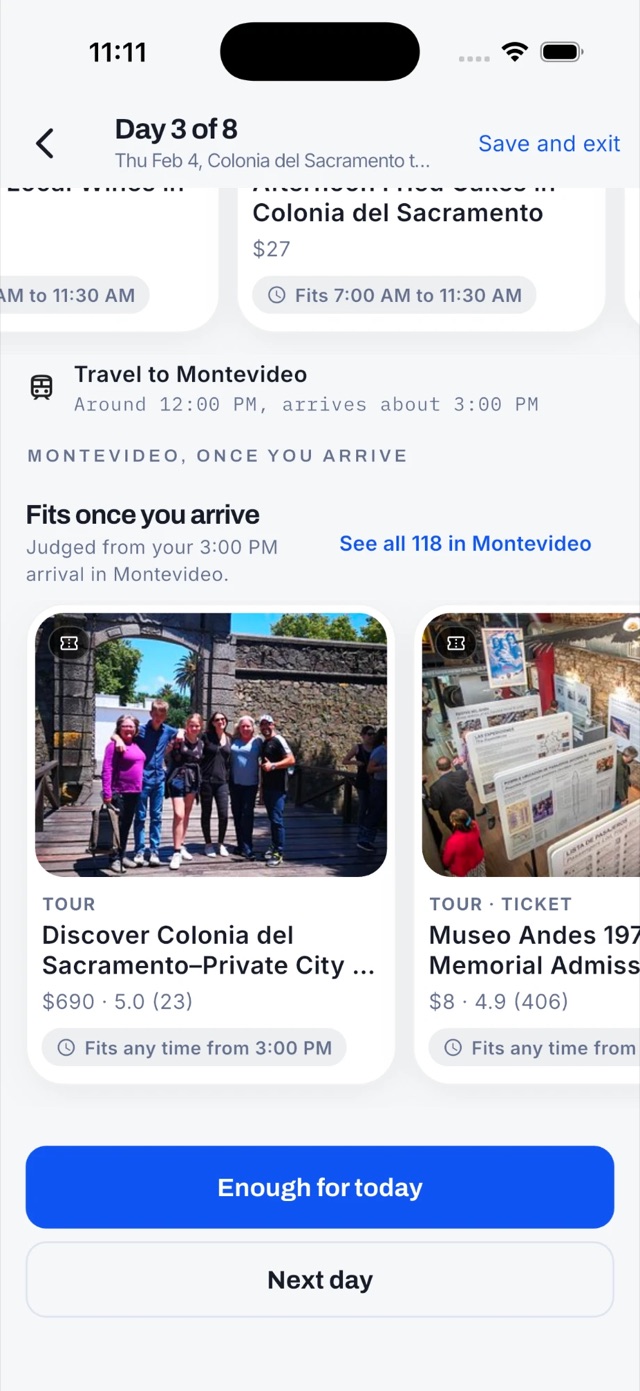
Keep a personal block on a shared trip and the others see only that you are busy from, say, 2 to 4pm. No title, no place, no note. Turn the setting off and the busy time is removed.
Receiving a shared trip? You can set a private budget of your own that the trip owner cannot read.
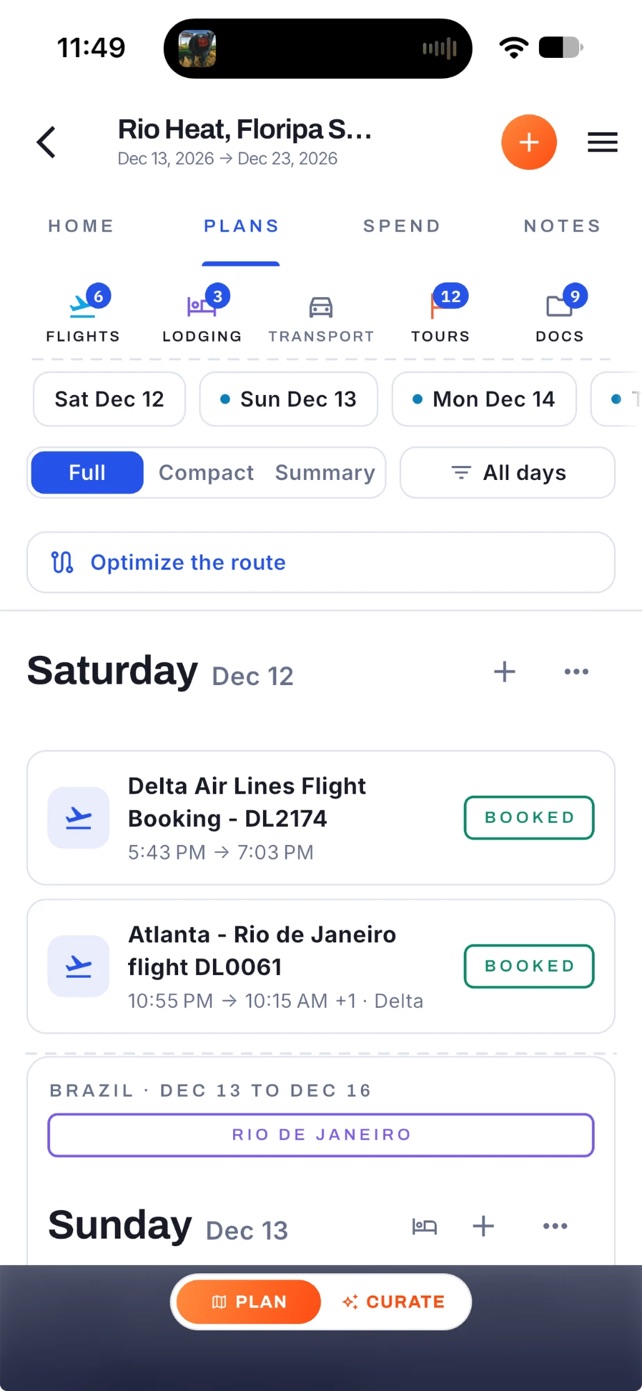
On a shared trip, each expense can record who paid and split between the people you pick: evenly, by amount, or by percentage. The cents always add back up to the total.
The spend tab nets it all out and shows who owes whom, or tells you everyone is all square.
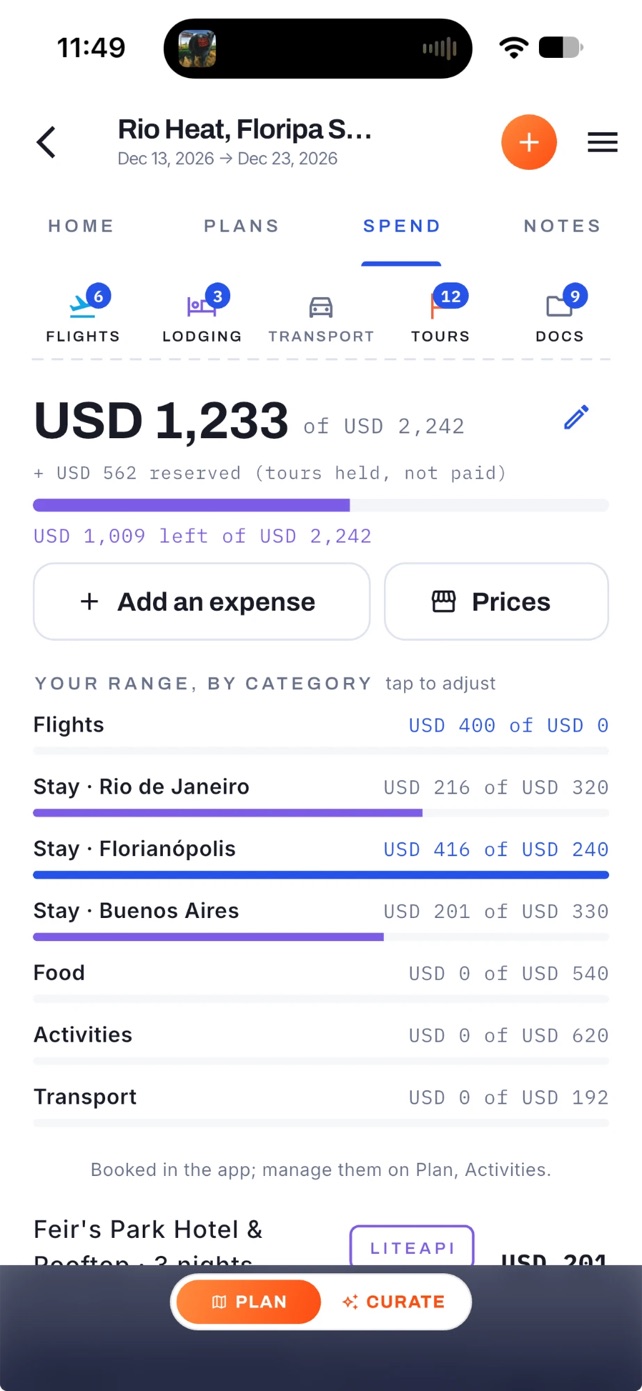
Turn on live location for a trip and your latest position shows as a dot on the trip map for the people you allow. It is off until you switch it on, and turning it off deletes your position rather than just hiding it.
It updates while the app is open, so a dot shows where someone was the last time their phone had Adónde open. It is not background tracking.
While you are still deciding, share the pitch to recruit the group chat, or the full day-by-day plan to send around. Once the trip is real, make a read-only link so someone can follow the plan, or share a plan card as an image.
Neither the link nor the card opens the trip itself to strangers.
Build the plan first, free, then invite the people who are coming.